MineKeep is a large host that provides free and premium hosting services for Minecraft. Here’s a small FAQ answering common questions from the community.
MineKeep’s servers do not run 24/7. Instead, they go into ‘hibernation’ mode after nobody is online for 5 minutes. If a player connects to your server, it will automatically turn back on. Keep in mind that starting your server may take around 30-60s.
– CPU: Unknown
– 1GB of RAM
– 10GB of storage
– Max. 10 players
Versions 1.8.8 to the latest Minecraft version are supported.
All MineKeep-hosted Minecraft servers, both free and paid, are accessible through the central hub. If a server is in hibernation mode, players will be redirected to this lobby while the server starts.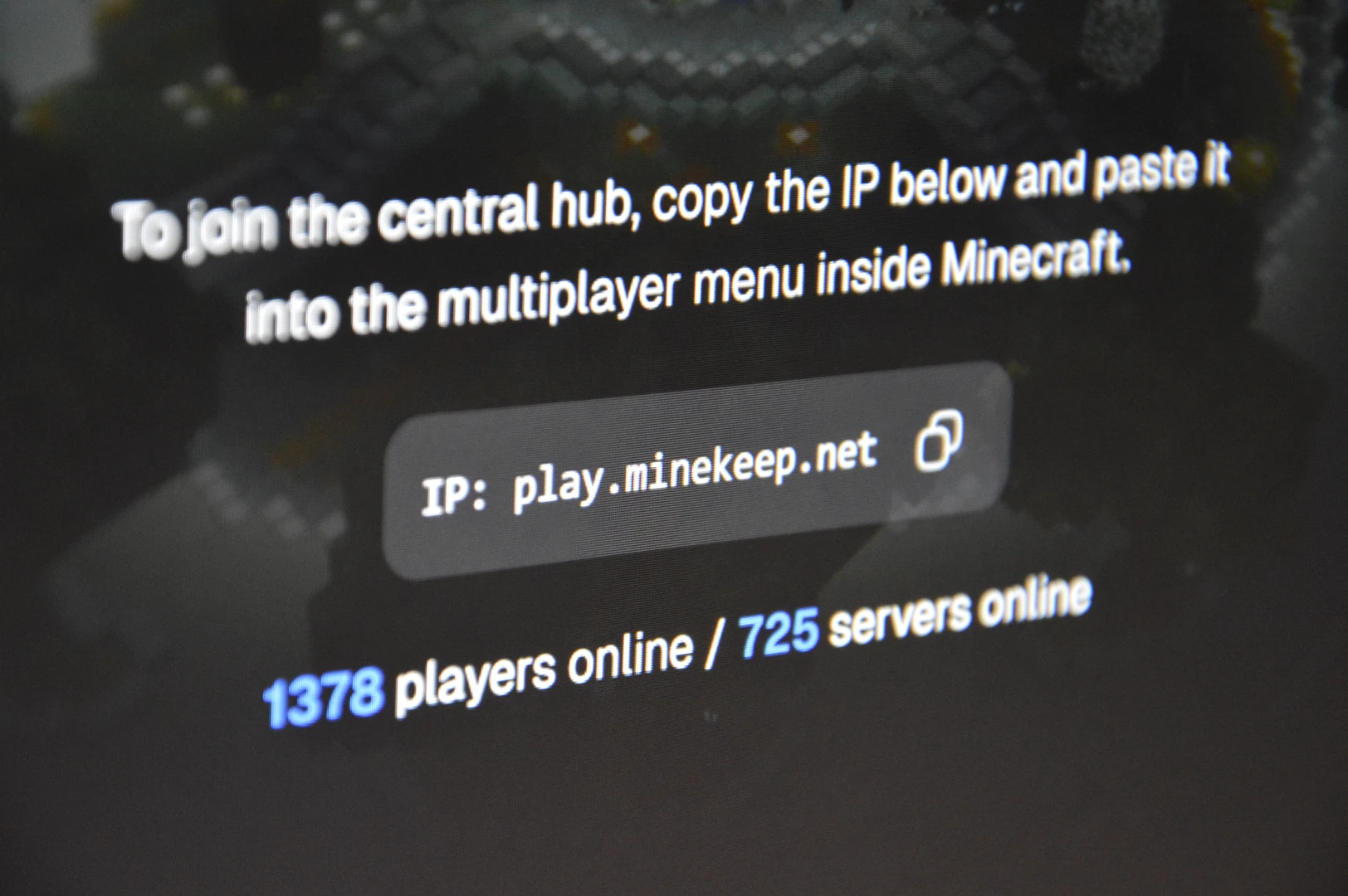
MineKeep scored the highest out of all the free Minecraft server hosts I’ve tested.
1. Prepare a 64×64 PNG image named server-icon.png.
Tip: If your image isn’t the right size, use MCUtils’s converter.
2. Upload it to the root directory (where server.properties, eula.txt, etc. are located).
You are about to delete your world! There’s no way to restore it if you don’t back up your old world(s).
1. Go to “Files”
2. Open “server.properties”
3. Search for “level-seed” and paste it E.g level-seed=4845641
4. Delete your old world (world, world_nether, world_the_end)
5. Restart your server
1. Go to “Files”
2. Open “server.properties”
3. Search for “motd”
4. Write your MOTD next to the ‘=’
Tip: Use this website to create a cool MOTD!
E.g: motd=\u00a7e---\u00a76 The Best SMP\u00a7e ---\u00a7r\n\u00a72Survival\u00a7c -\u00a72 Fun \u00a7c-\u00a72 No P2W
Yes, but only Fabric mods are supported.
Make sure to install a mod compatible with your server software! A Fabric mod only works on Fabric!
1. Install your chosen mod from Modrinth, Curseforge,…
2. In the dashboard, go to ‘Files’
3. Upload the mod in the ‘mods’ directory
Tip: If you encounter errors, you might need to install dependencies like FabricAPI!
Yes, they support Paper and Purpur. If you’d like a comparison between the two, check out this post!
Download your chosen plugin from Spigot, Modrinth,…
Start your server, so all files load
Go to ‘Files’ in the dashboard
Open the ‘Plugins’ directory
Click ‘Upload’ and select your downloaded plugin
MineKeep supports Simple Voice Chat out of the box! You don’t need to add/open any ports.
1. Install SVC for your server software
2. Place the .jar file in the correct directory (mods or plugins)
3. Restart your server
Having issues? Check the official wiki.
Yes! MineKeep provides a separate Bedrock address, but Bedrock and Java players join the same server.
MineKeep does not support cracked/offline mode.
“We have no plans to ever support cracked minecraft. Cracked minecraft both violates the Minecraft EULA and is illegal due to it being a form of piracy.“
Even though MineKeep had the best performance of all free Minecraft server hosts, there might be performance issues. Luckily, there are some ways to improve it!
Pregenerate your world with Chunky
Generating new chunks is very taxing for the server. Therefore, pregenerating it enhances the performance significantly.
https://modrinth.com/plugin/chunky
Using Performance enhancing mods/plugins
Mods:
Noisium
TT20
Lithium
Krypton
ModernFix
FerriteCore
ServerCore
C2ME
Warning: Installing too many mods can hurt performance—choose based on your needs.
Plugins:
ClearLag
There aren’t many great plugins out there to magically improve performance. If you find any, share it in the comments below!
The render distance is the amount of chunks displayed to the player (client). Of course, the more chunks the server needs to show to the client, the heavier for him. Therefore, setting a lower render distance massively improves the performance.
The simulation distance is the amount of chunks which are being updated (movement, crop growth,…). Ideally, set this lower than the render distance.
Recommended:
Render Distance: 4-7
Simulation Distance: 4
Both settings can be changed in the server.properties file.
Free stuff doesn’t exist (sad), so how does MineKeep keep running? MineKeep offers free Minecraft server hosting thanks to their paid plans. The free servers are a way to promote Minekeep’s premium services.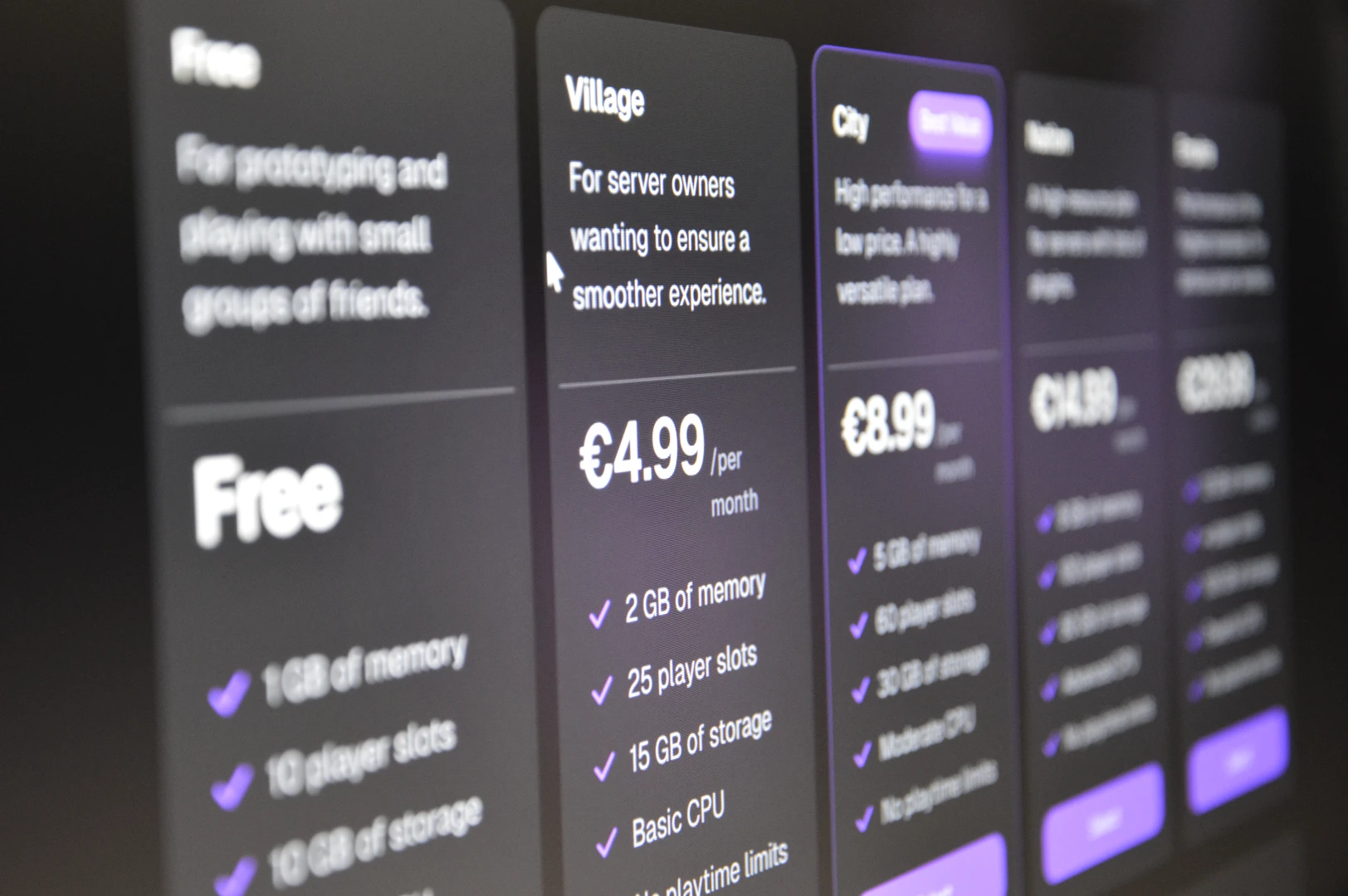
MineKeep masks player’s IP-addresses (identification of a network/computer), meaning that these player’s addresses are hidden.
MineKeep stores (personal) information like your e-mail address, server-logs,… so they can provide you with a better experience. They might share this information with third parties for marketing and improvement.
“We may share your information with our affiliates and business partners for the purposes of providing and improving our services, as well as for marketing purposes.”
If you like to read the Privacy Policy on your own, click here.
MineKeep is quite safe compared to other hosts, so there’s no need to worry.
MineKeep updates often—if something’s outdated, please let me know!
Leave a Reply